
Project Overview
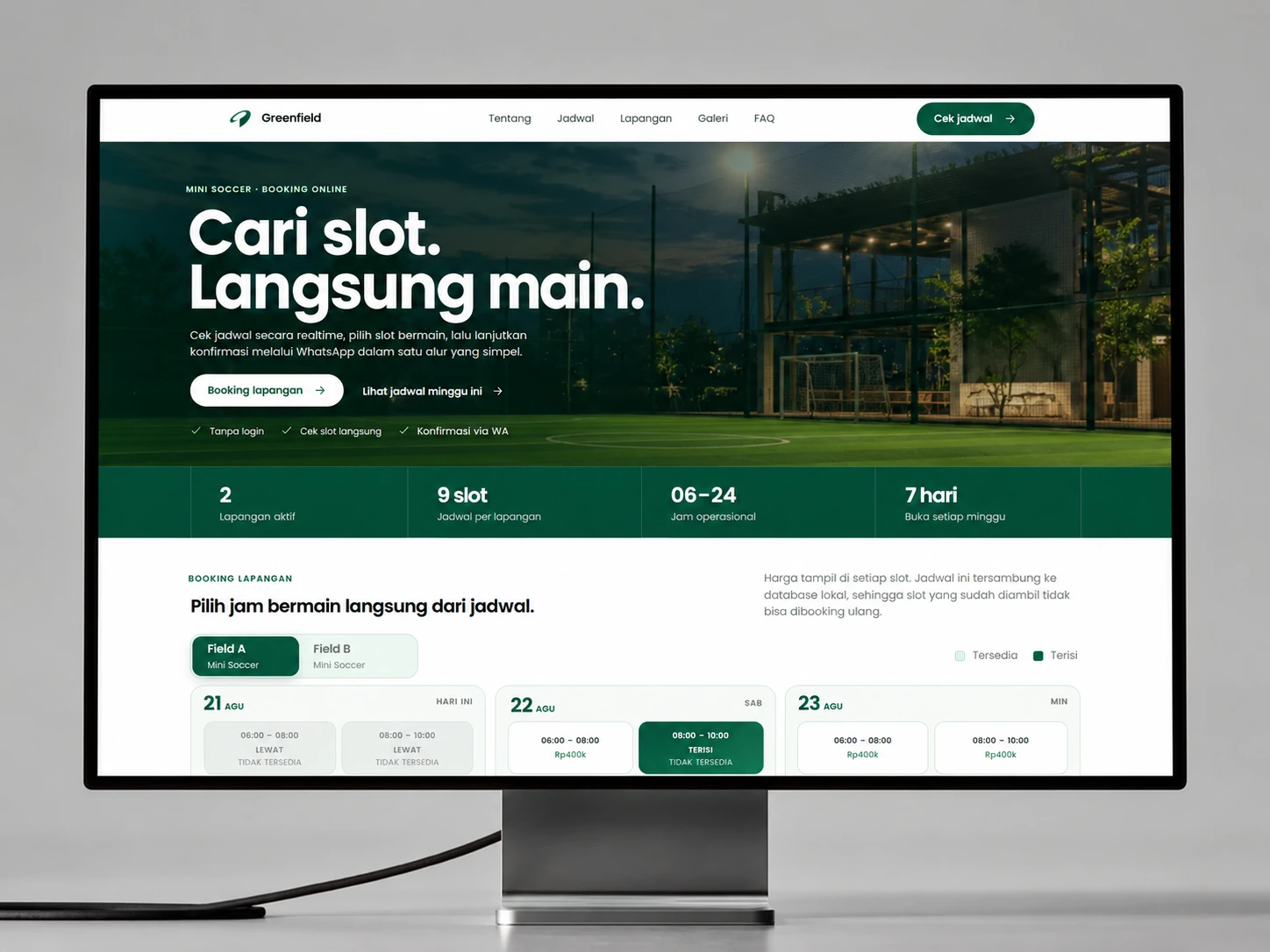
A field-booking experience that lets customers see live slots, choose the right venue and time, and continue with a complete WhatsApp request. Operators manage confirmations and schedule blocks from one admin workspace.
The product turns a venue's weekly availability into a customer journey that can be understood at a glance, while giving operators one place to review bookings, confirm customers, and block unavailable hours.
The Challenge
Many sports venues still answer the same schedule questions through repeated chats. Customers cannot see live availability, and operators have to reconcile booking details manually while preventing overlapping reservations.
Priorities and constraints
- Keep schedule selection clear across desktop and mobile
- Prevent customers from choosing occupied or blocked slots
- Move checkout into WhatsApp with complete booking context
Decisions Behind the Work
A useful schedule lets customers choose confidently and operators protect the hours they can actually offer.
- Availability as the starting point
Customers need to see the schedule before writing a booking message.
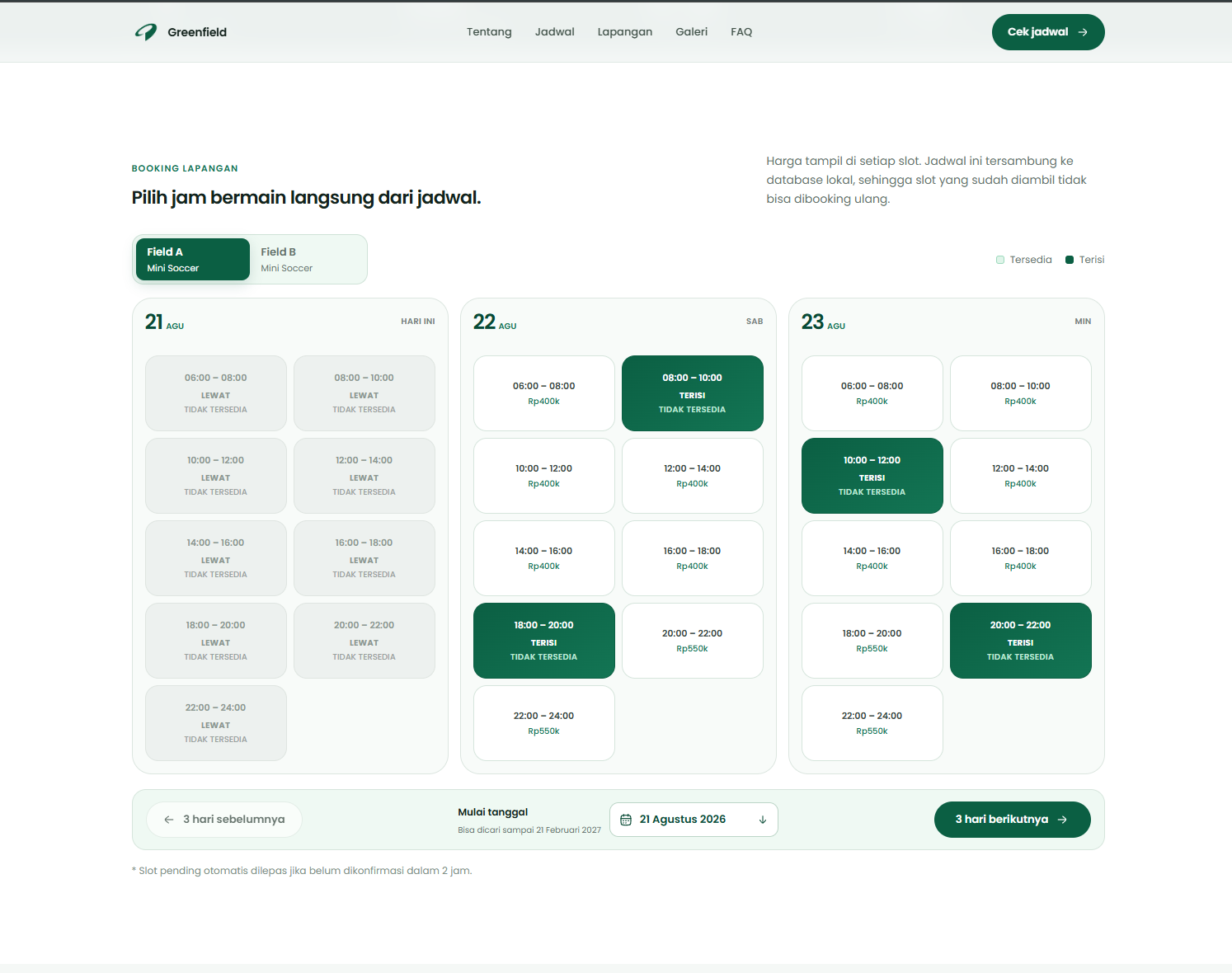
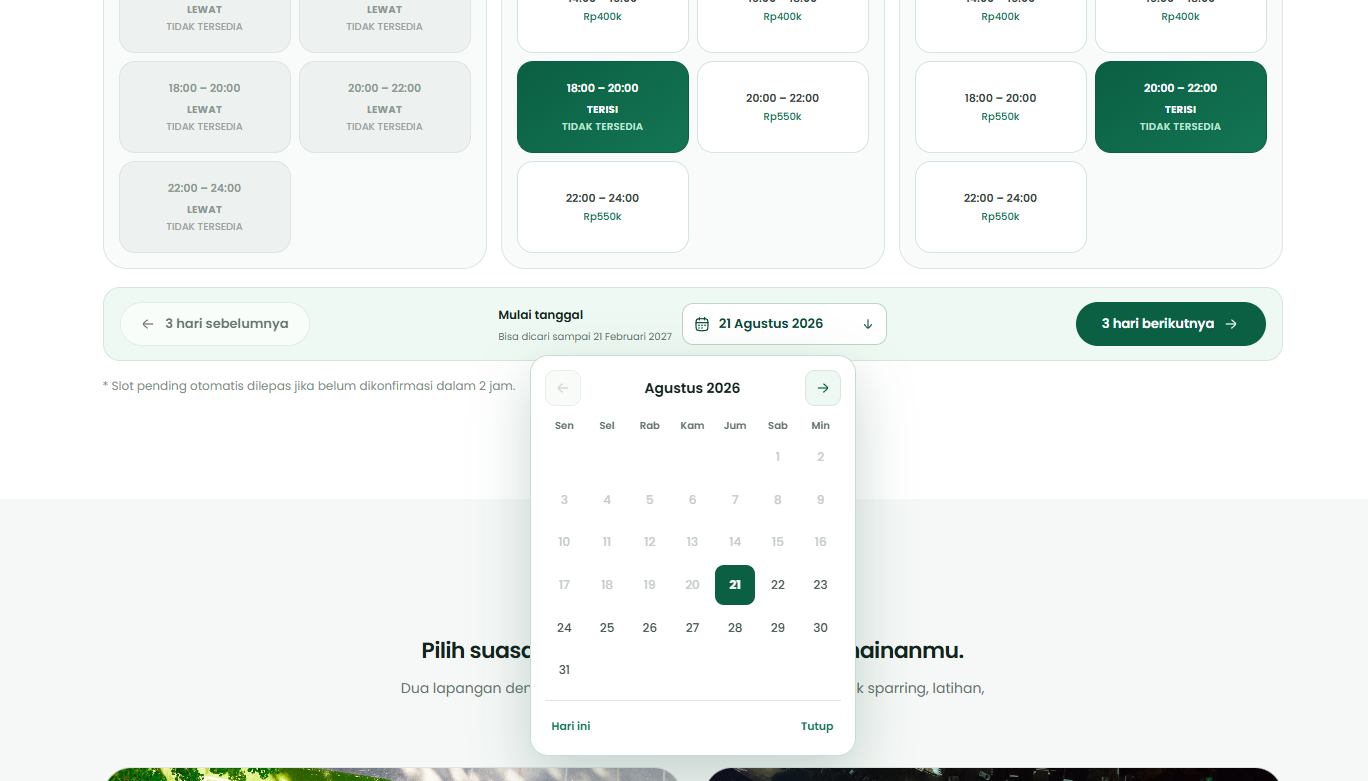
Three-day navigation and field-specific pricing make the available choices legible. Occupied and blocked slots stay outside the selection rather than becoming an exception discovered after checkout.
- A complete conversation handoff
WhatsApp receives the booking context, not an empty inquiry.
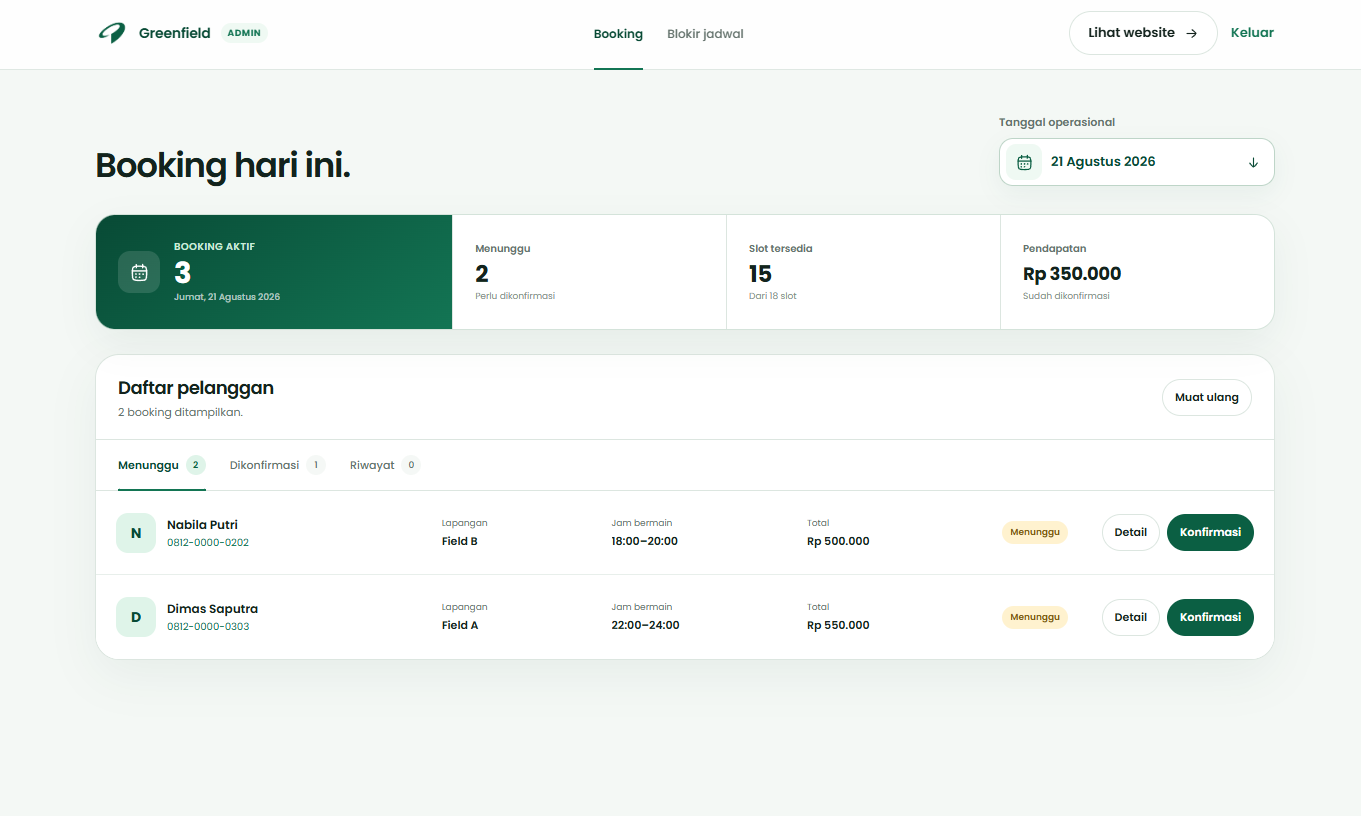
A structured form carries the field and schedule into the message. The paired admin workspace provides a place to review booking states and operational blocks, keeping customer selection connected to venue control.
The Solution
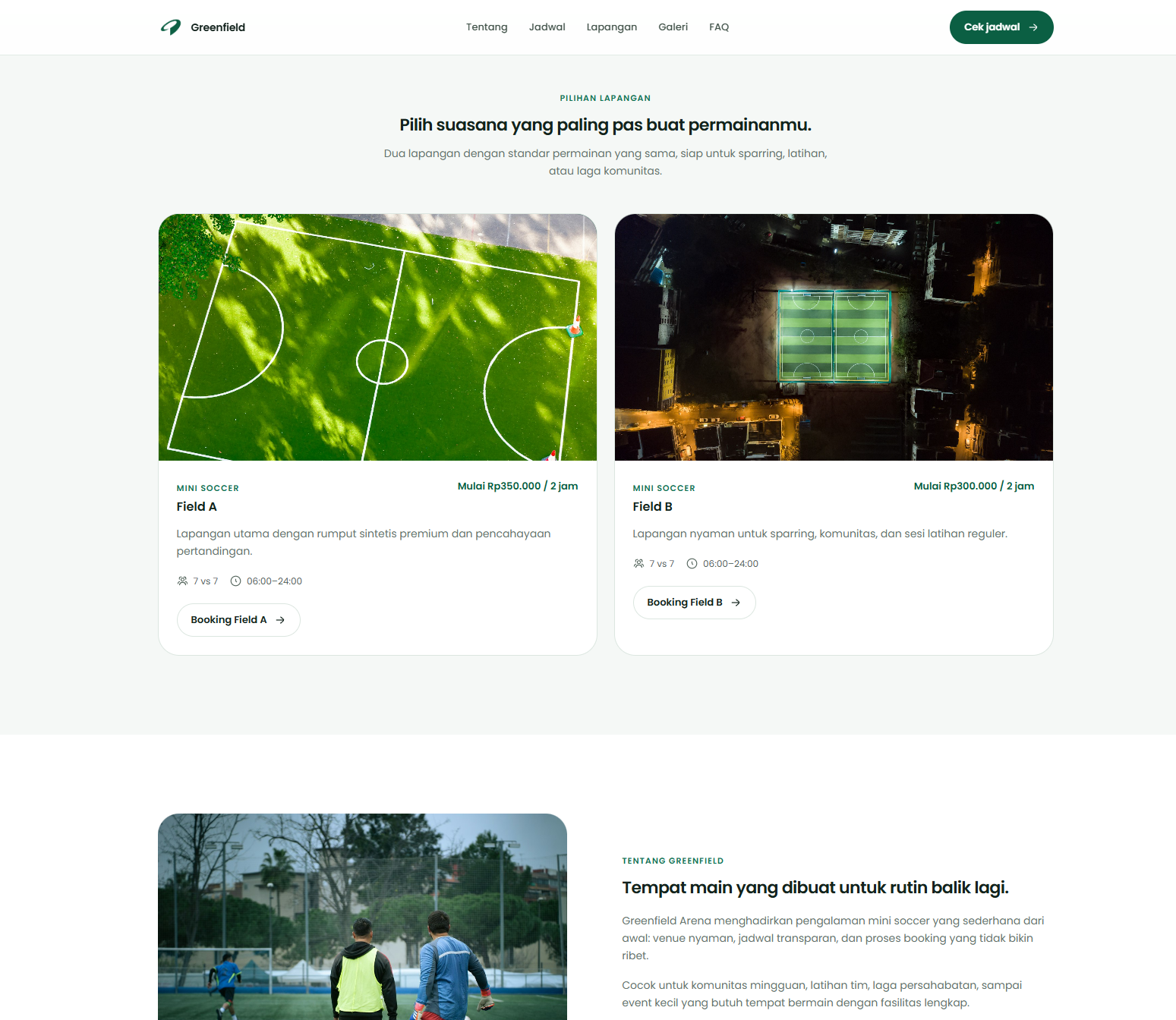
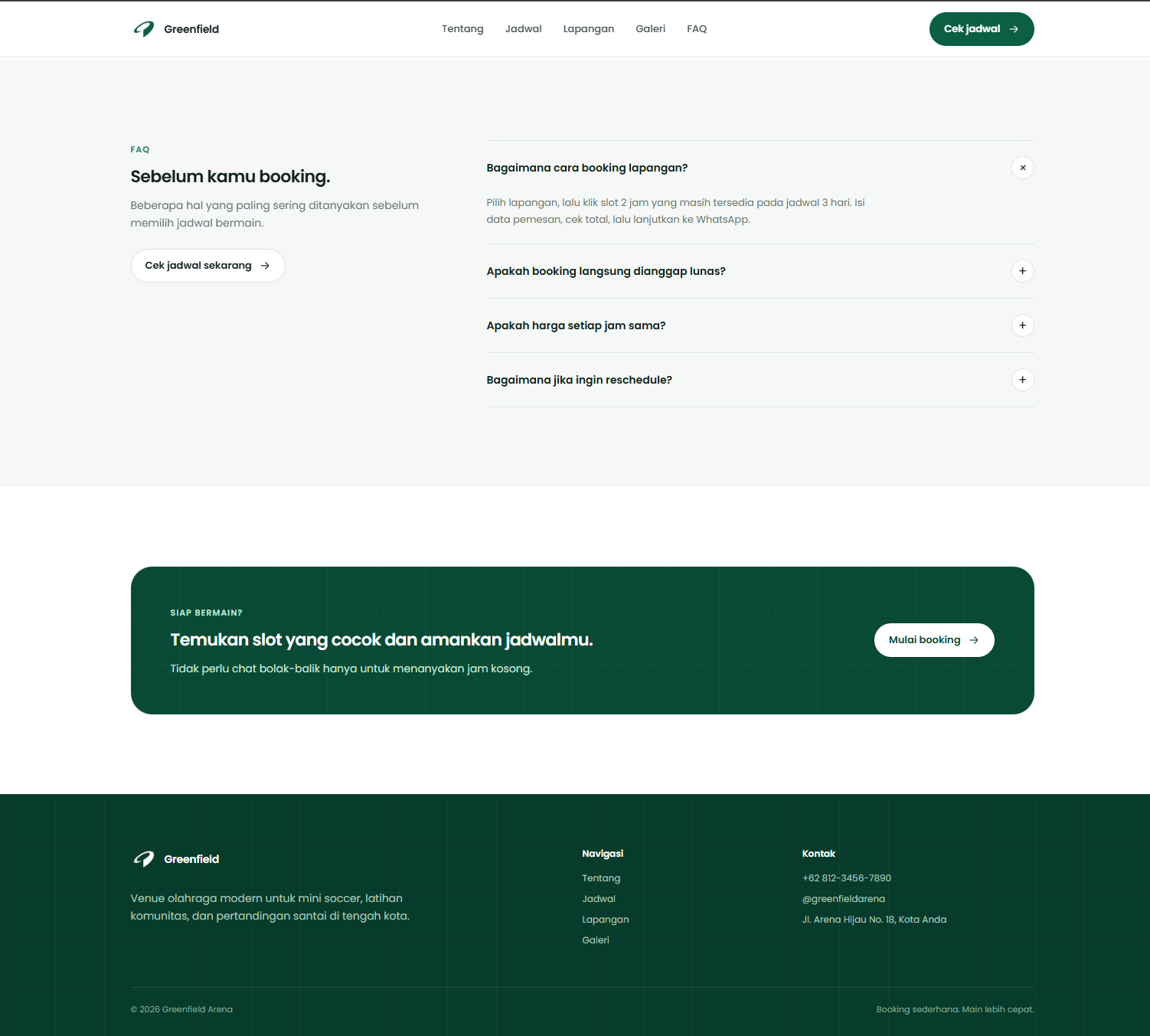
We designed a responsive public website around venue discovery, three-day schedule navigation, field-specific pricing, and a structured booking form. A paired admin workspace centralizes booking states and operational blocks, while theme colors and venue content can be adapted without rebuilding the layout.
What we delivered
- Product strategy
- Responsive web design
- Booking workflow
- Admin workspace
- Development
Availability first, fewer repeated chats.
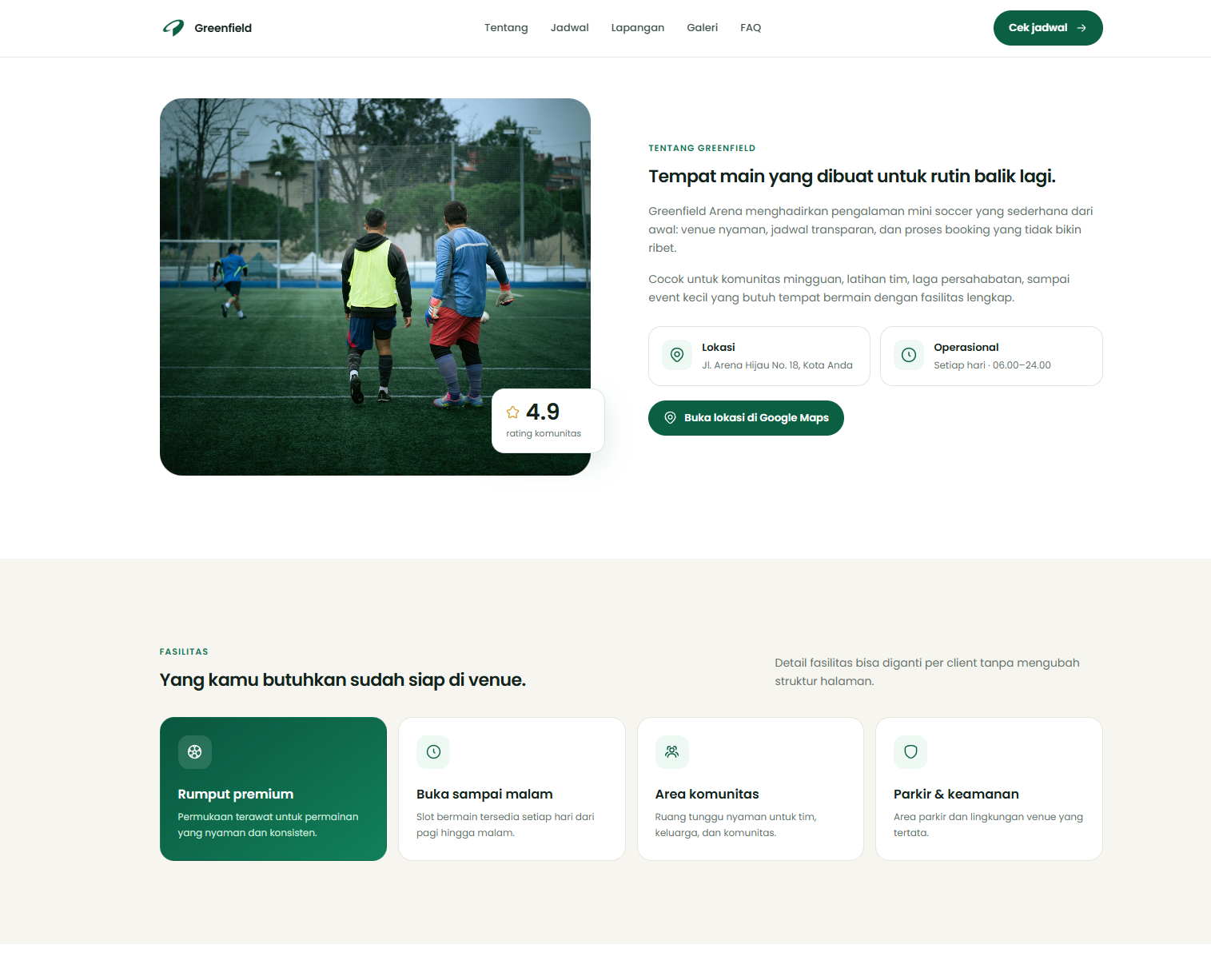
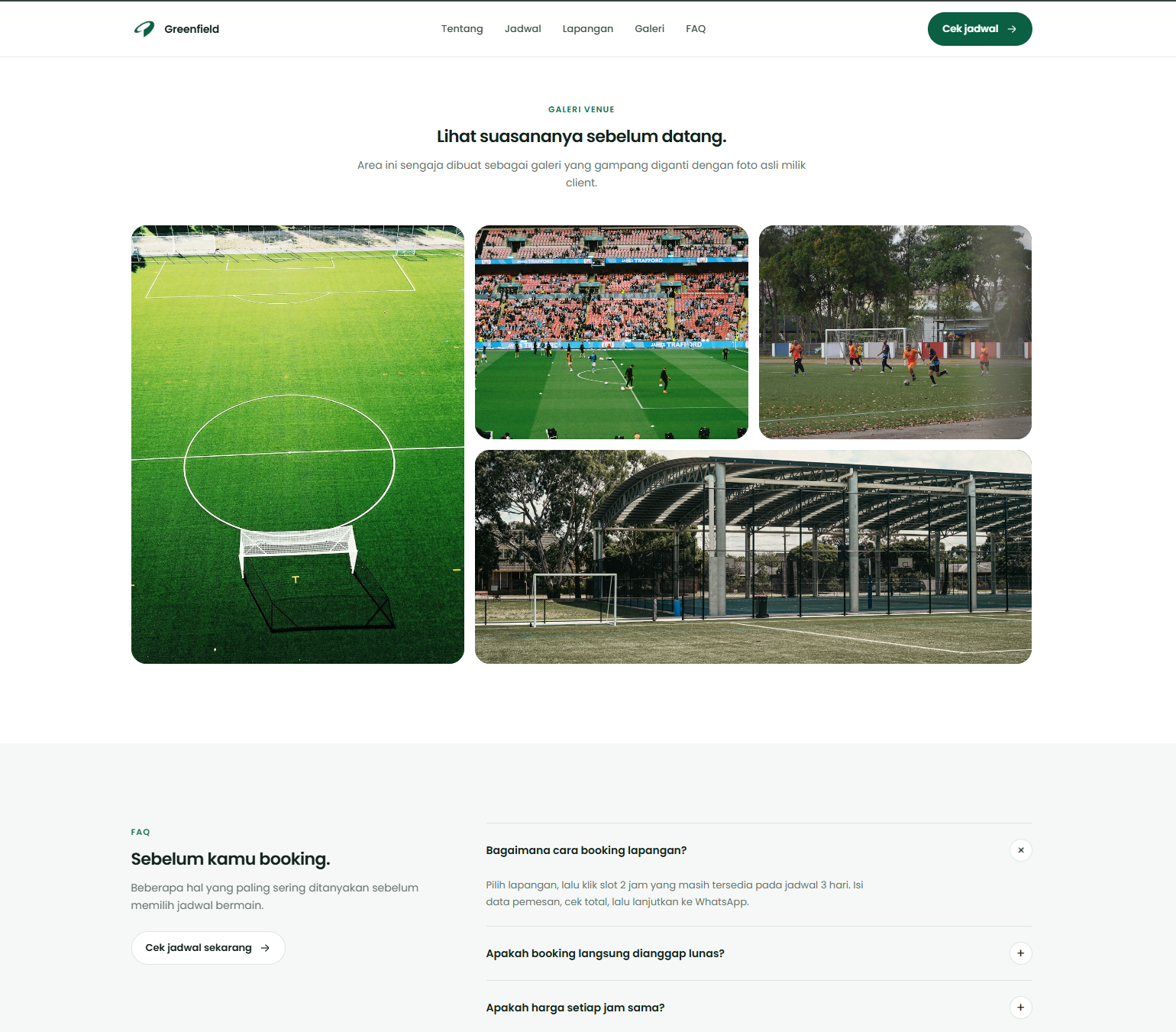
Customers can understand the venue, field options, prices, and open time slots before the WhatsApp conversation begins.
- See the venue
- Choose an open slot
- Send complete context
Customer choice, operator control.
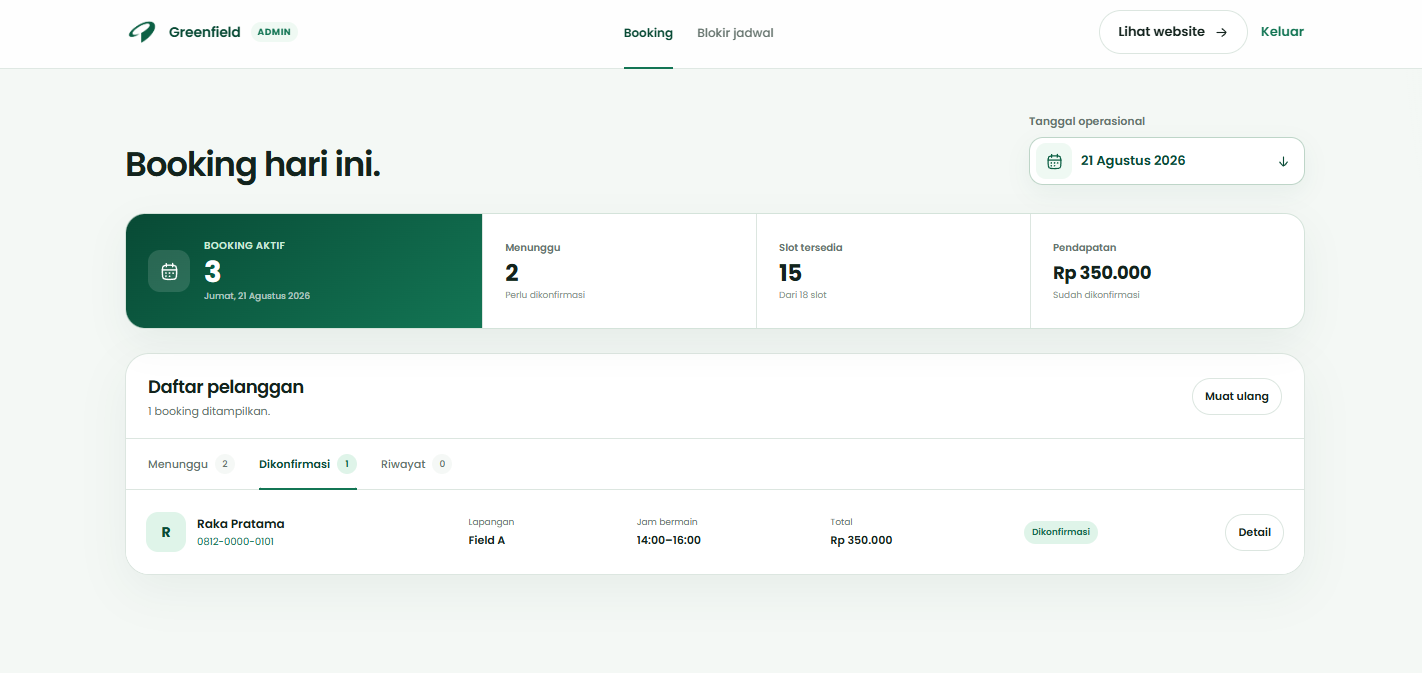
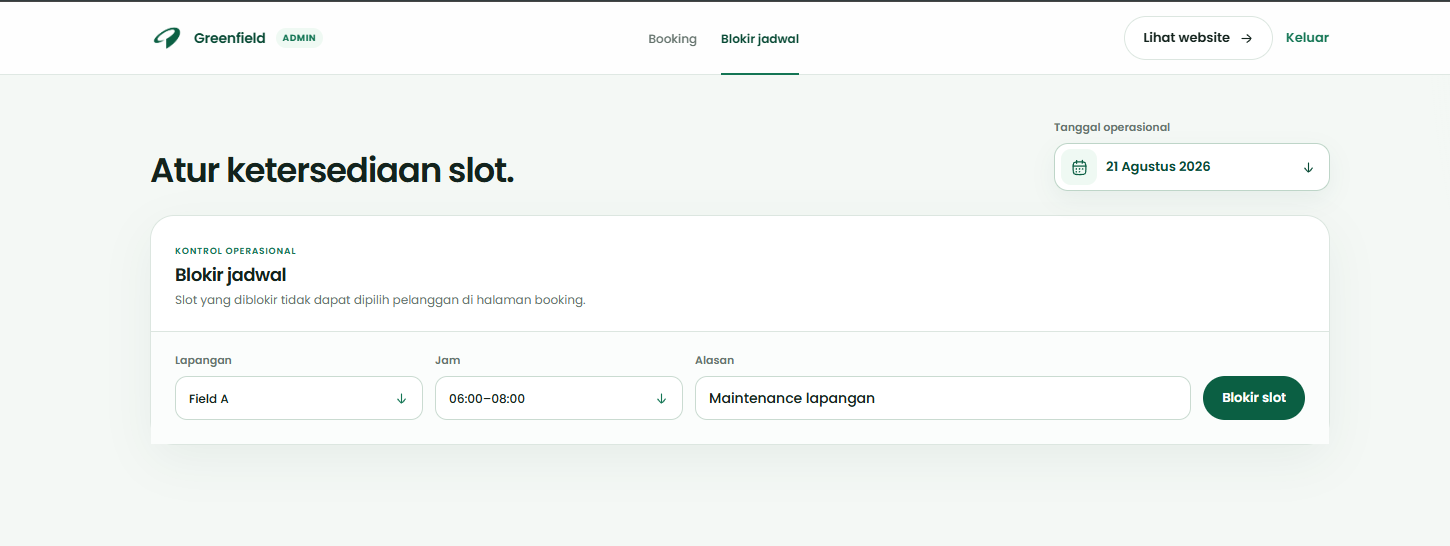
The public schedule stays useful because the paired admin workspace can confirm bookings and block unavailable hours without rebuilding the calendar.
- Live slot states
- Booking confirmation
- Operational blocks
Built Around Its Users
Customer
Self-serve booking
Customers see real availability, choose a field and time, then send one complete booking request.
- See available slots
- Choose a suitable field
- Continue through WhatsApp
Venue operator
Schedule control
The operator reviews booking details and keeps unavailable or maintenance slots out of customer selection.
- Confirm incoming bookings
- Block unavailable slots
- Contact customers quickly
Administrator
Operational record
One workspace keeps daily bookings, availability, and customer details aligned for the venue team.
- Review daily activity
- Maintain availability
- Keep records organized
“A venue booking flow should answer the availability question before the customer needs to ask it.”
Impact
A ready-to-customize field booking website with live schedules, clear slot selection, WhatsApp checkout, and a practical admin workspace.
- Days visible per schedule view
- 3
- Connected customer and admin workspaces
- 2
- Structured WhatsApp checkout
- 1