
Project Overview
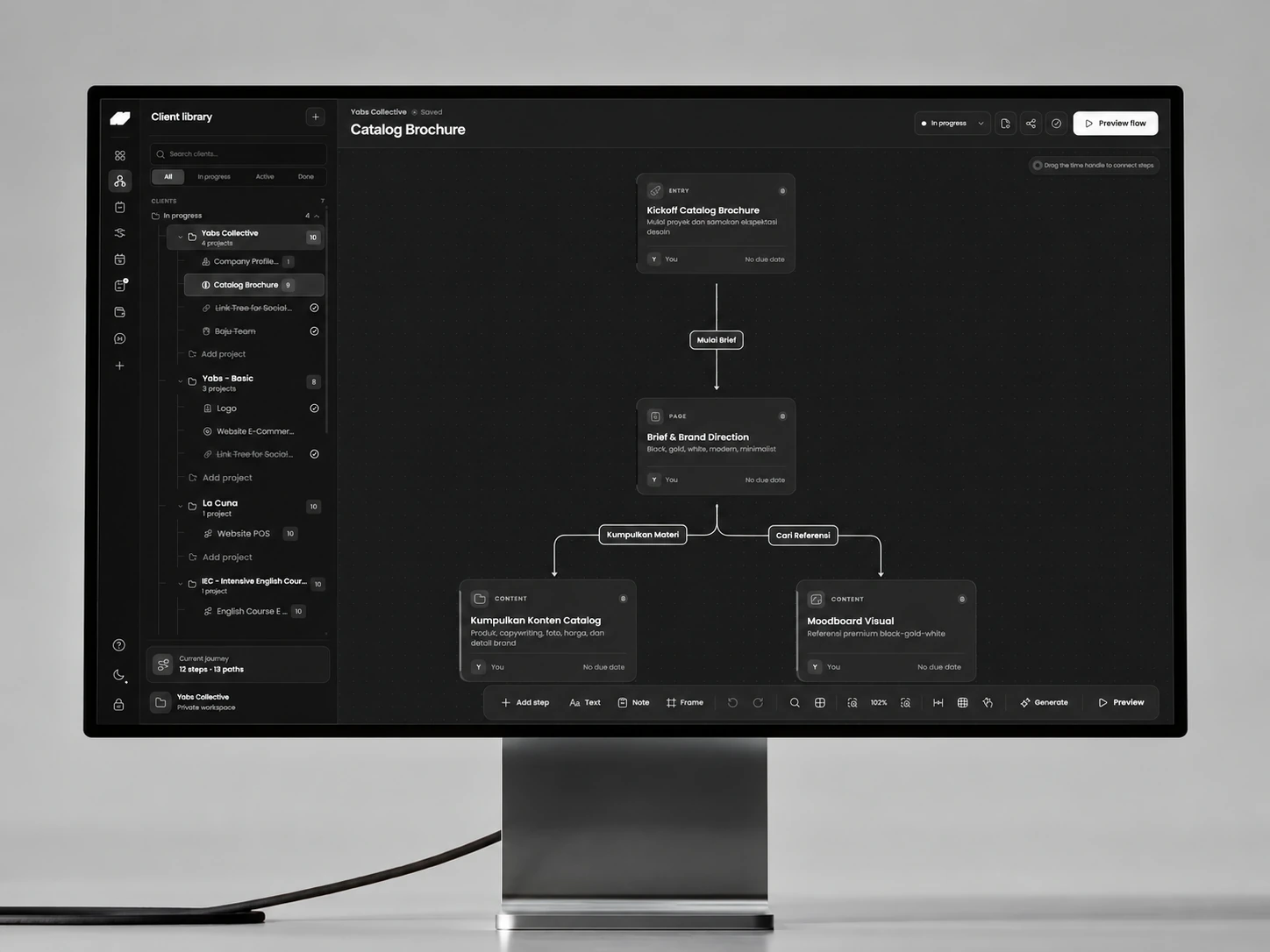
A private workspace that maps client journeys on a Figma-like canvas, uses review-first AI to shape workflows and tasks, and keeps briefs, proposals, invoices, deadlines, and project health connected.
Flowdesk was built as a private operating system for independent client work: one environment for understanding every account, shaping project journeys, assigning tasks, preparing commercial documents, and keeping delivery and cash flow visible.
The Challenge
Client work was spread across disconnected task lists, documents, calendars, finance records, and mental notes. Generic project tools could track tasks, but they could not express a custom client journey visually or turn an early idea into an operational plan without repeated manual setup.
Priorities and constraints
- Keep AI suggestions reviewable before they change workspace data
- Make a large node canvas feel direct and familiar like a design tool
- Connect delivery, documents, reminders, and money without visual overload
Decisions Behind the Work
A visual plan becomes useful when it remains connected to the tasks, documents and money behind the work.
- The canvas as a working map
Connections explain the journey beyond a task list.
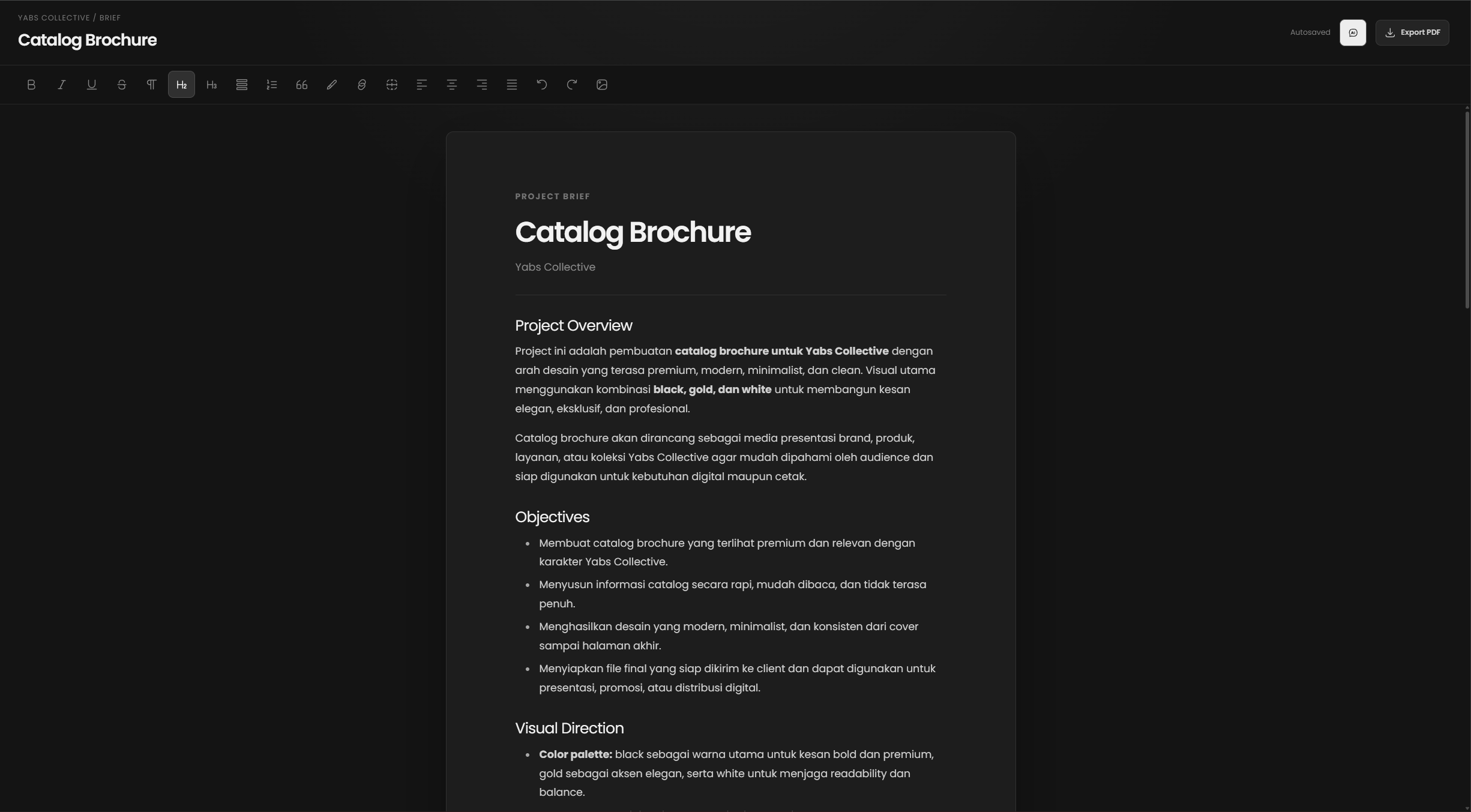
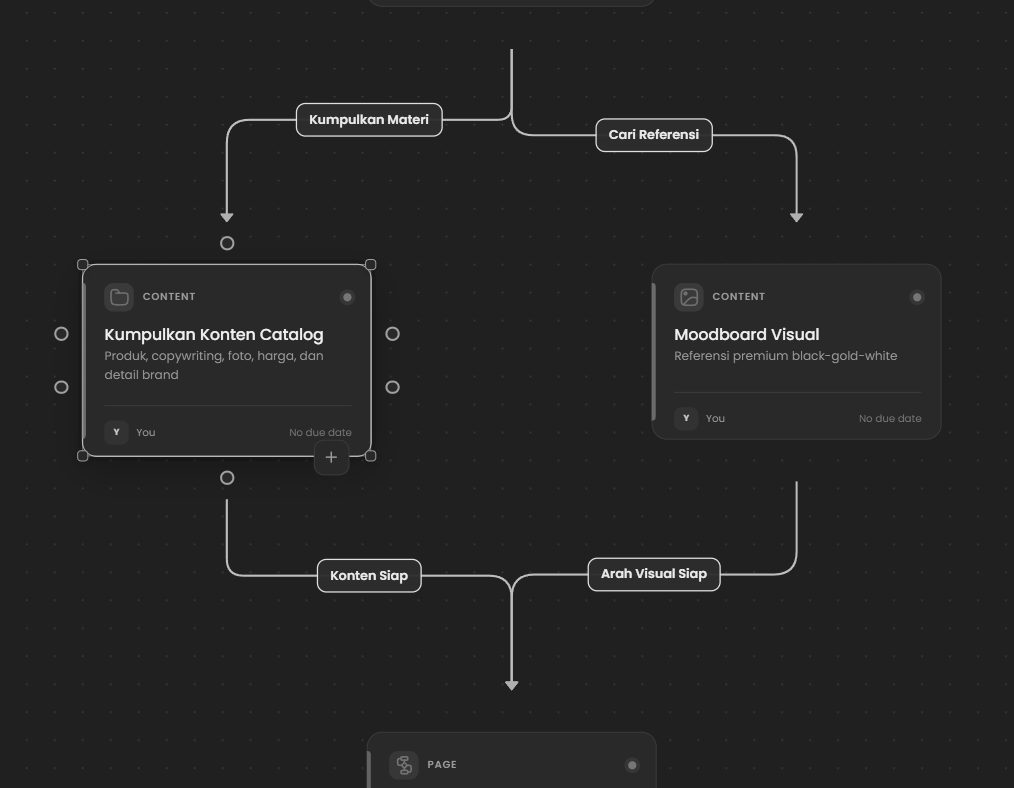
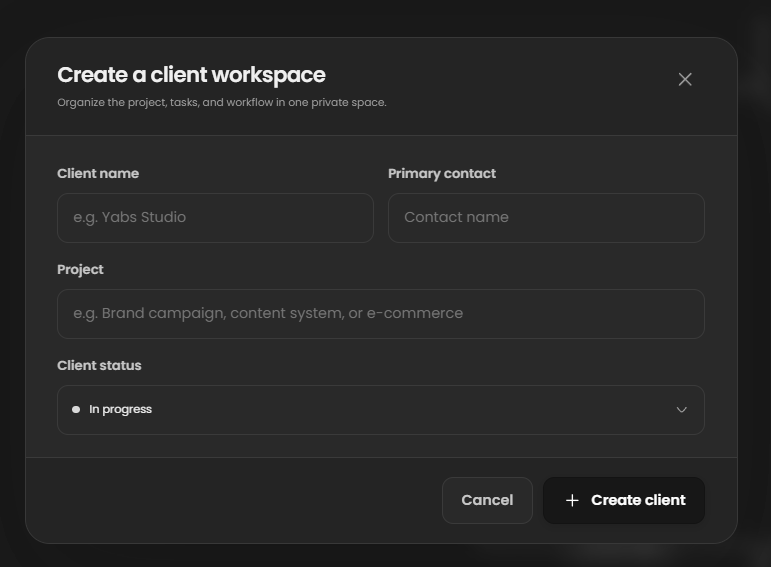
Draggable nodes, labeled links, zoom and alignment let a client workflow be arranged visually. Dedicated workspaces retain the detail needed for briefs, revisions, invoices and project health.
- Review before execution
AI proposals should remain decisions the user can inspect.
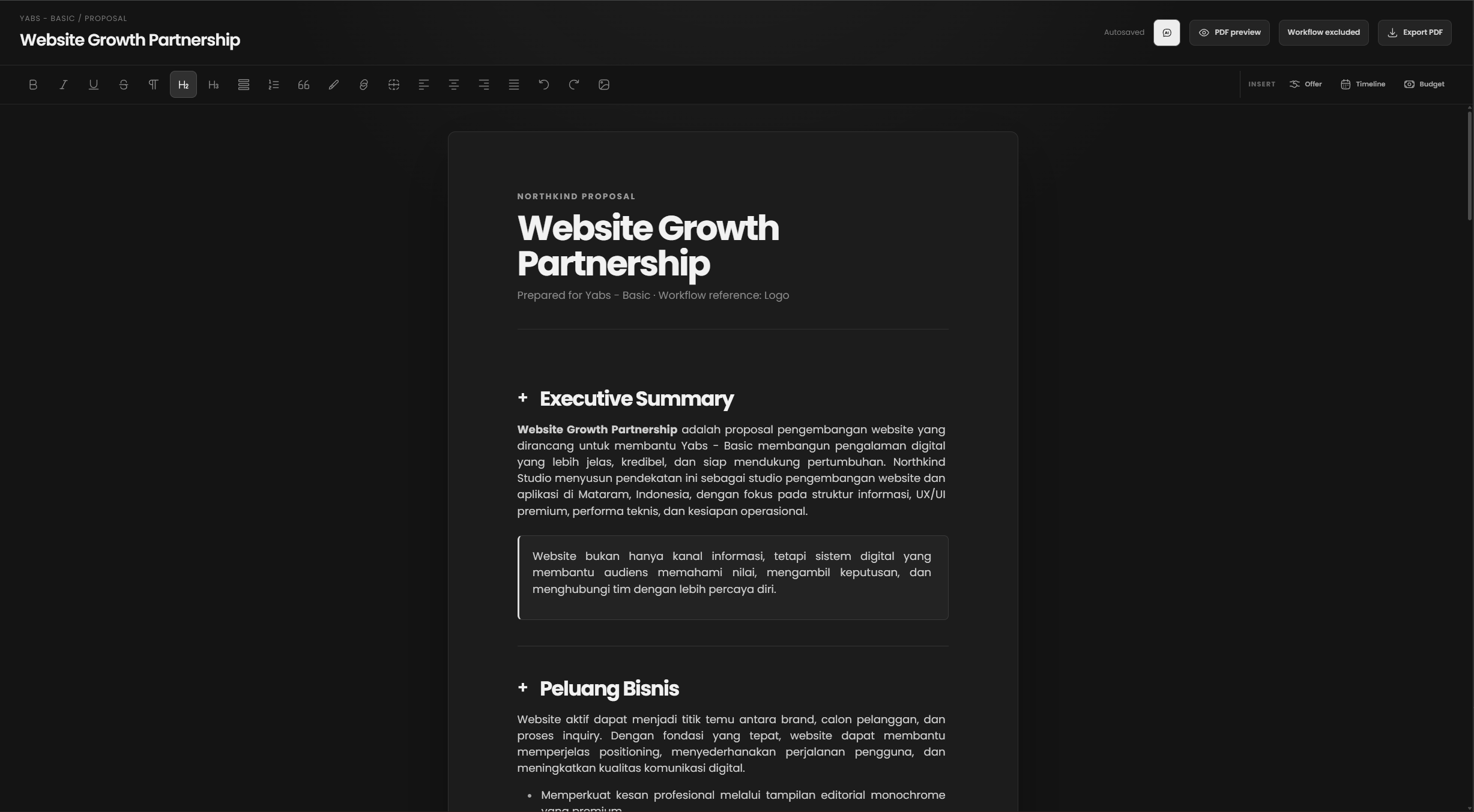
Suggested clients, workflows, connections and tasks are reviewed before they alter workspace data. This keeps assistance close to planning without making a generated suggestion indistinguishable from confirmed work.
The Solution
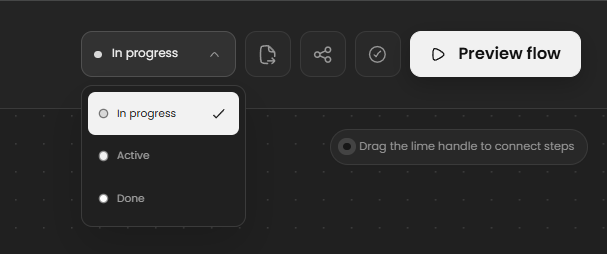
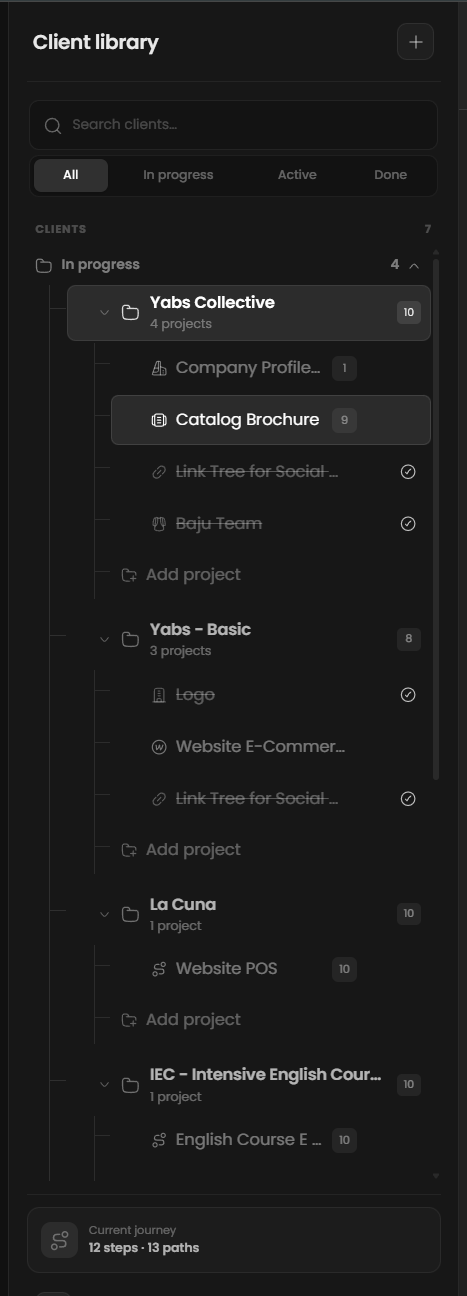
We designed a dark, Figma-like workflow canvas with draggable nodes, labeled connections, zoom controls, alignment behavior, and animated previews. A review-first AI assistant can propose clients, workflows, connections, and tasks, while dedicated workspaces manage briefs, proposals, services, revisions, invoices, payments, deadlines, and project health on top of a private Supabase-backed data model.
What we delivered
- Product strategy
- AI workflow design
- Visual canvas
- Client operations
- Full-stack development
Think spatially, operate systematically.
A Figma-like canvas turns an abstract client journey into visible nodes, branches, responsibilities, and next actions that can be shaped before execution begins.
- Map the journey
- Connect decisions
- Preview the flow

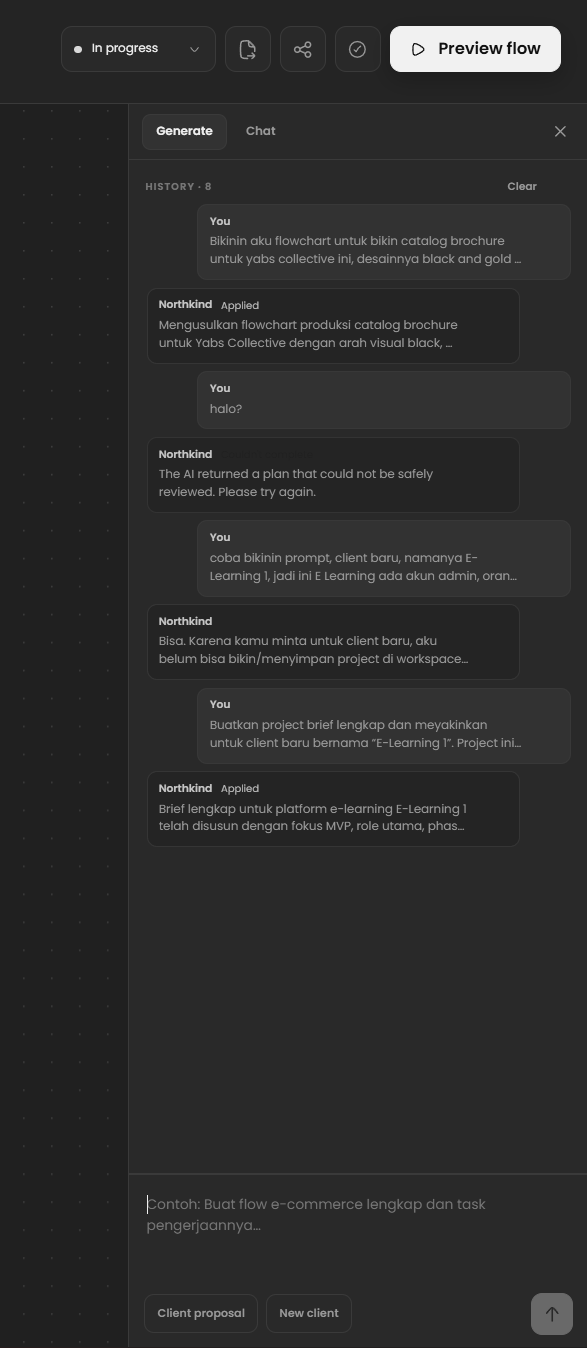
AI proposes, people stay in control.
Generated clients, flows, connections, briefs, and tasks stay reviewable before they are applied to the private workspace.
- Generate a proposal
- Review the change
- Apply intentionally
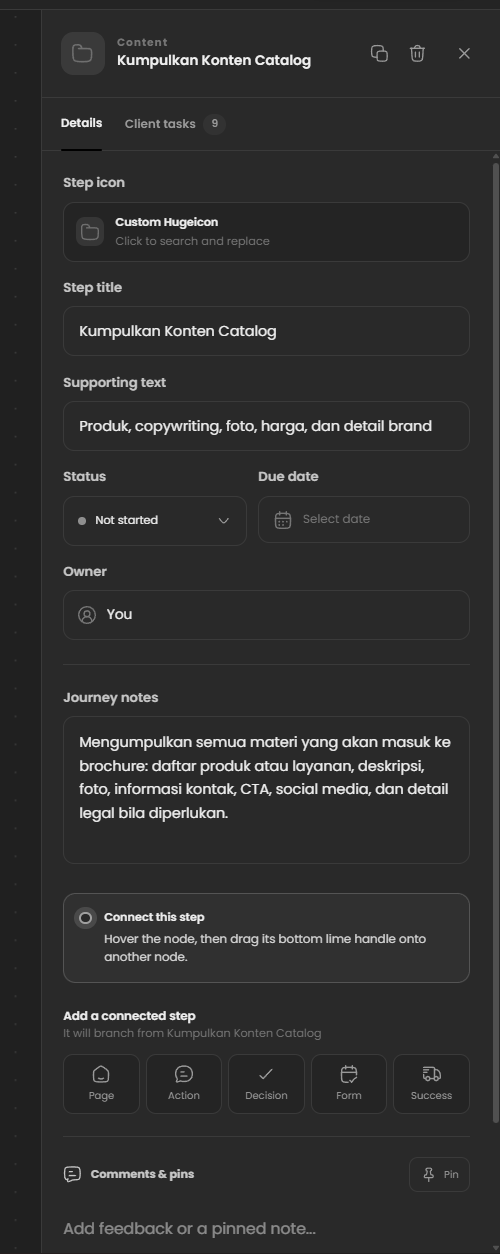
Delivery and money, visible together.
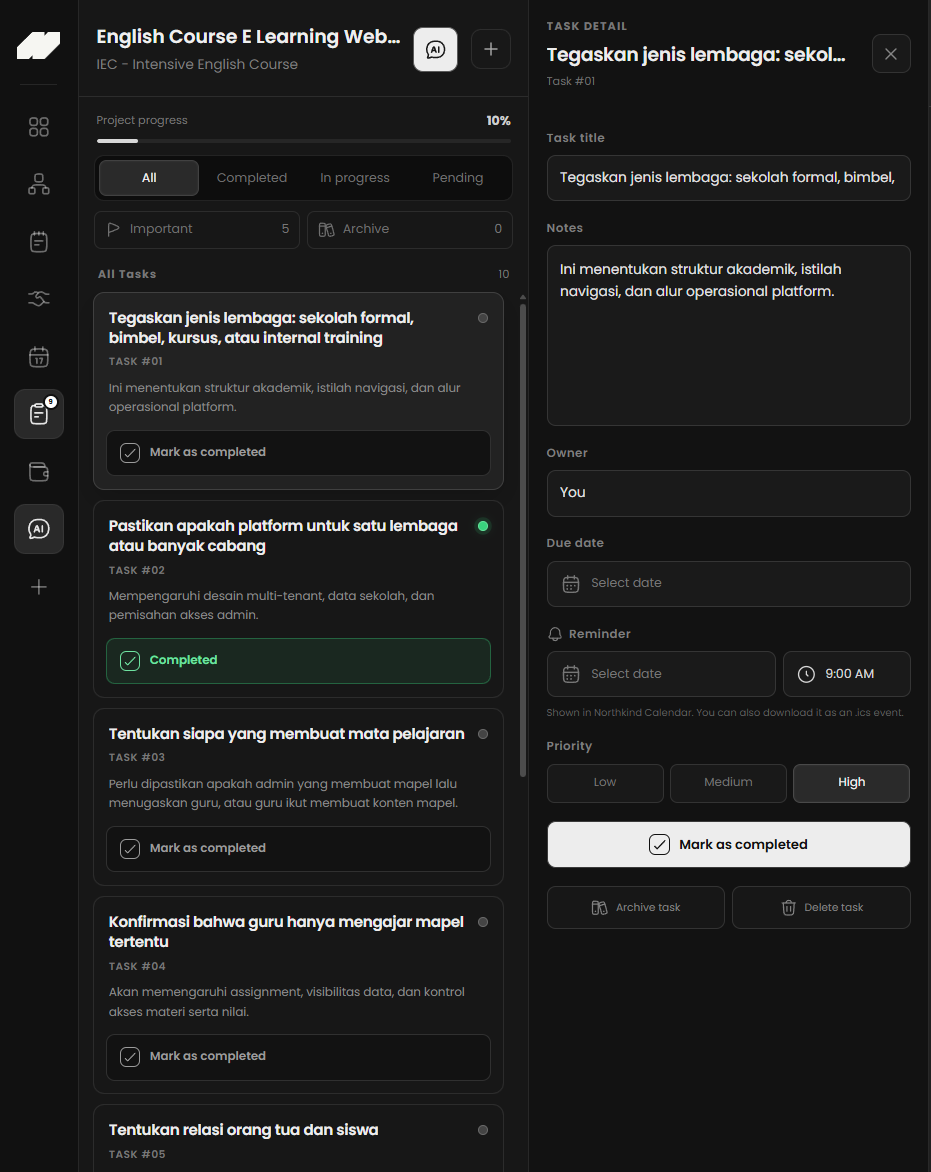
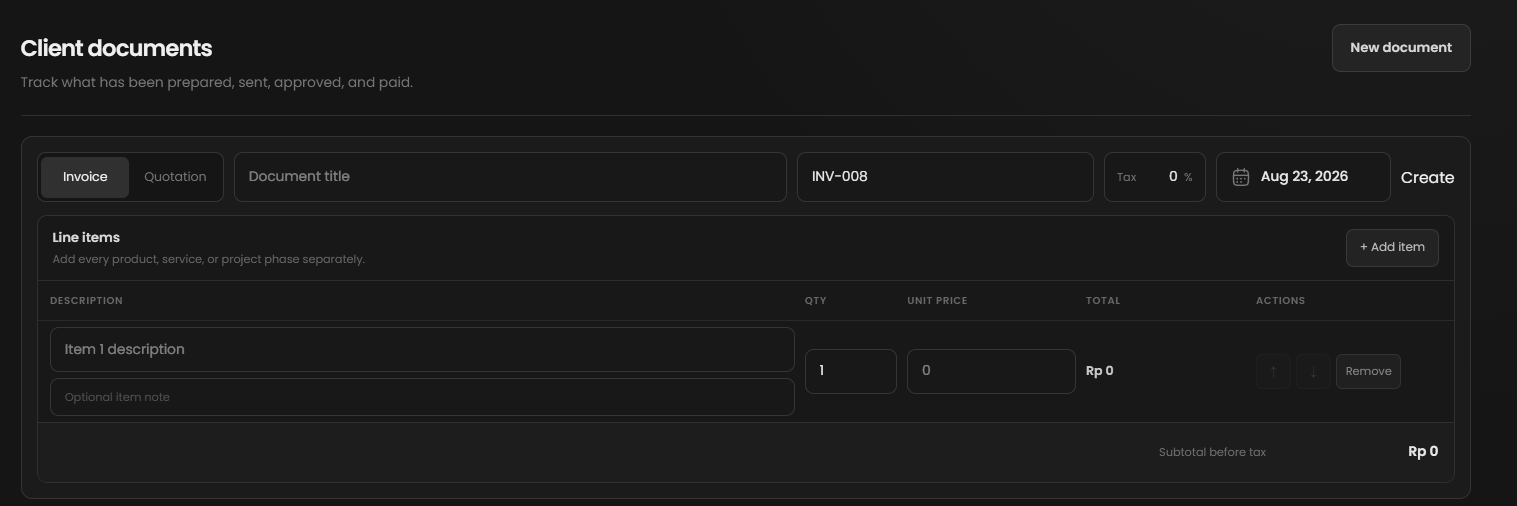
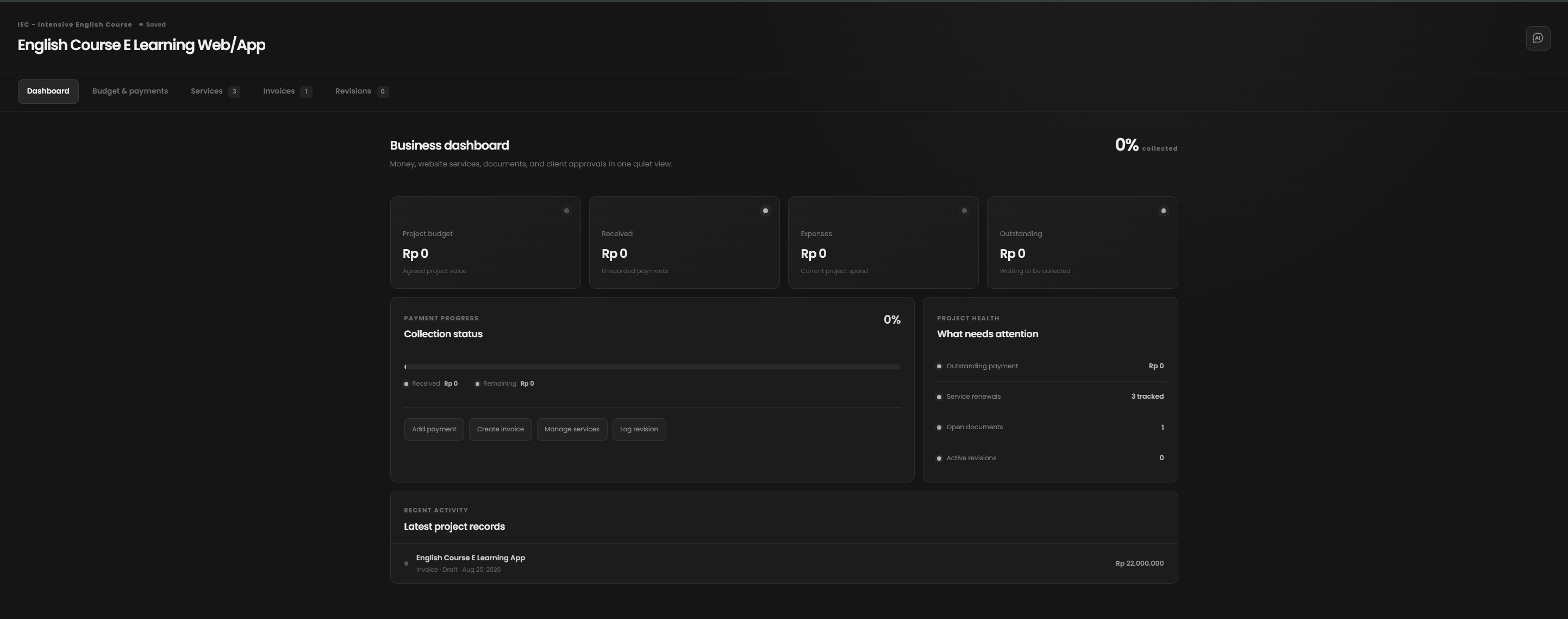
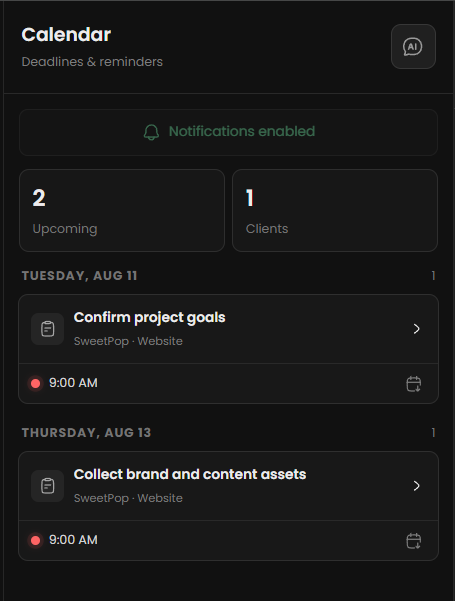
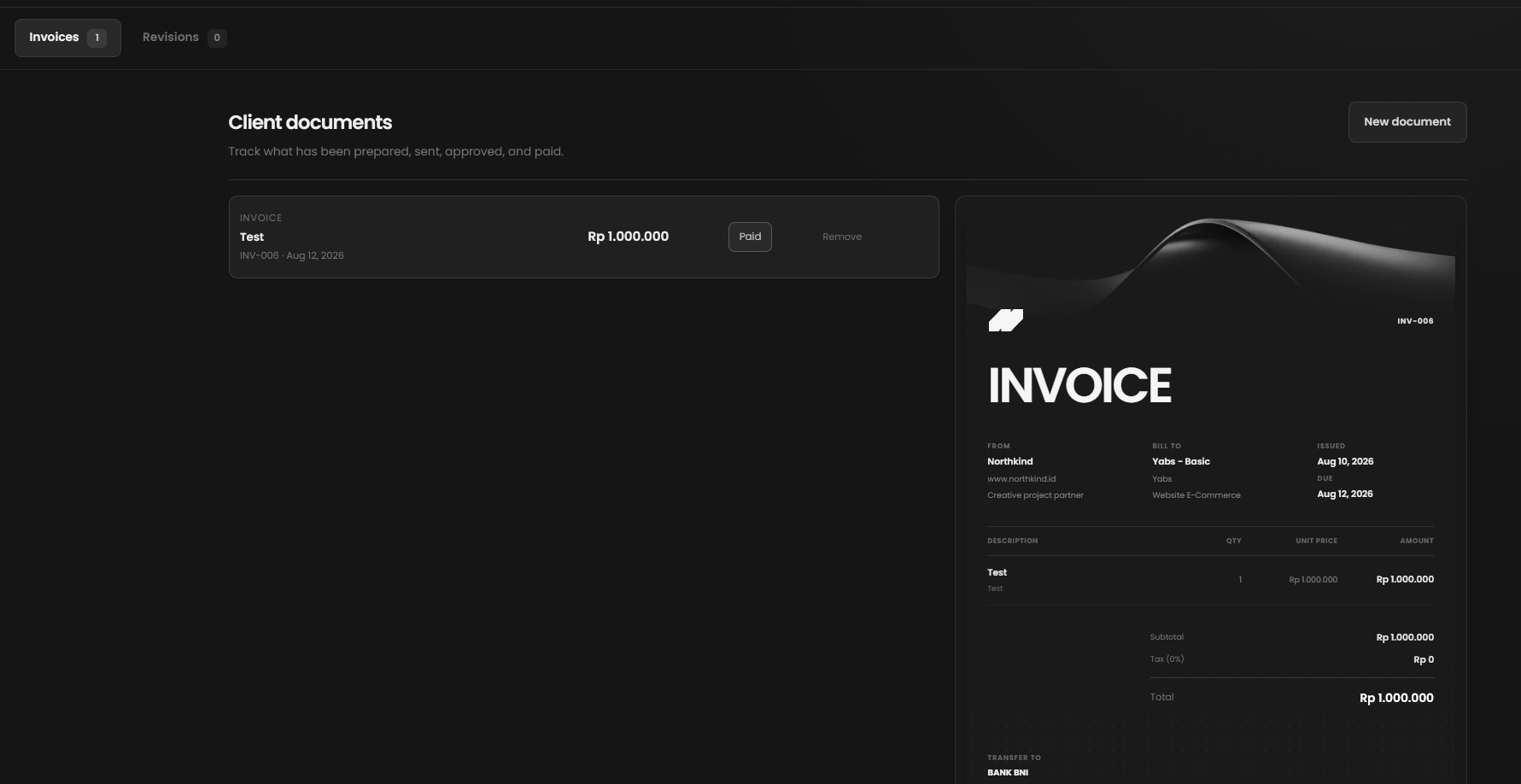
Tasks, deadlines, briefs, proposals, invoices, payments, and project health share one client context instead of becoming separate administrative trails.
- Plan delivery
- Prepare documents
- Track project health
Built Around Its Users
Studio owner
Portfolio-wide control
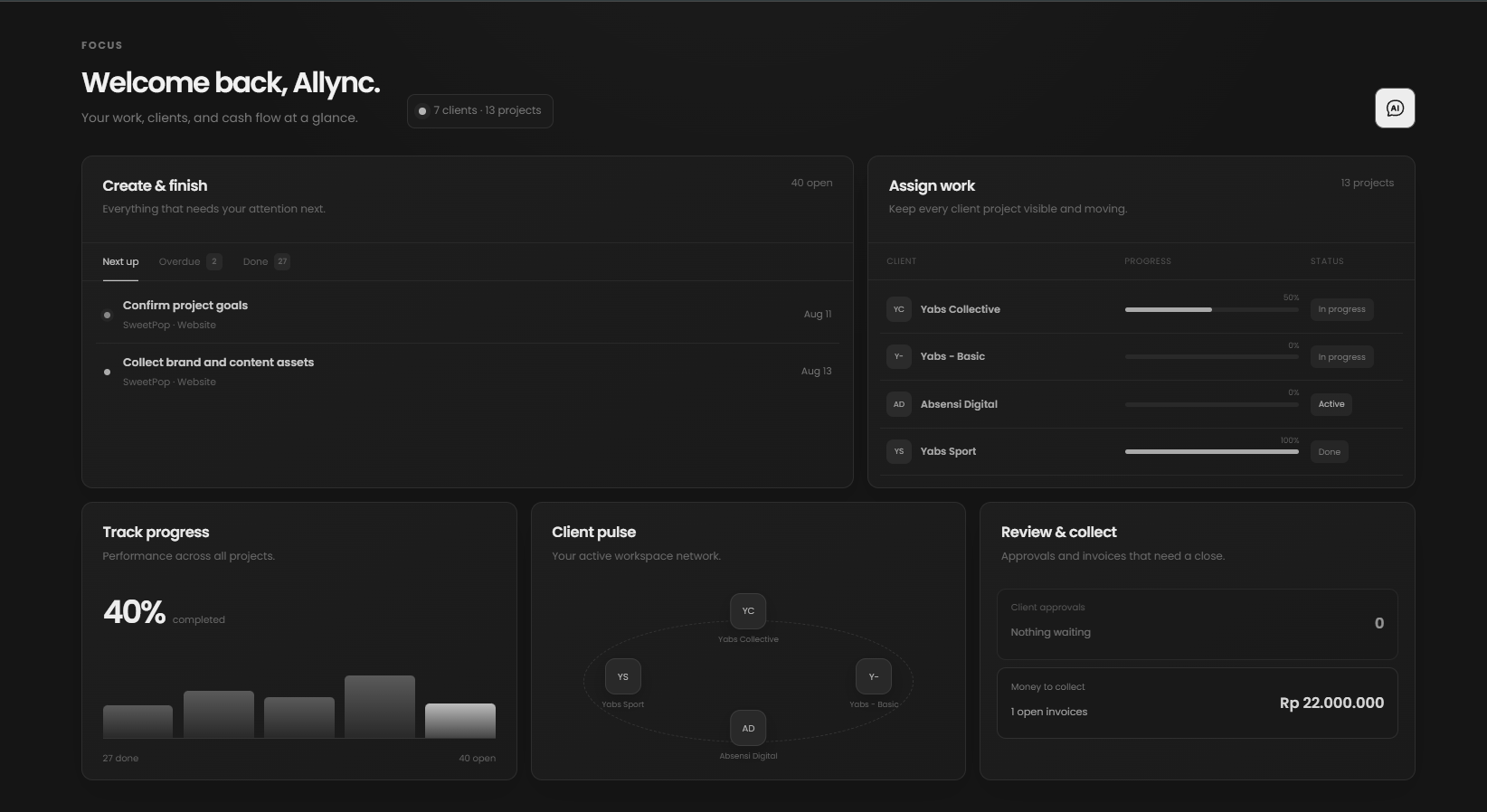
A connected view brings clients, deadlines, money, and project health into one private operating system.
- See workload at a glance
- Track business health
- Prioritize the next move
Project workspace
Visual workflow
A Figma-like canvas turns each client journey into connected tasks, approvals, and deliverables.
- Map the full journey
- Connect dependent tasks
- Keep context with the work
AI assistant
Review-first generation
AI proposes flows, briefs, and task structures while the user stays in control before anything is applied.
- Draft structured workflows
- Generate supporting documents
- Apply changes after review
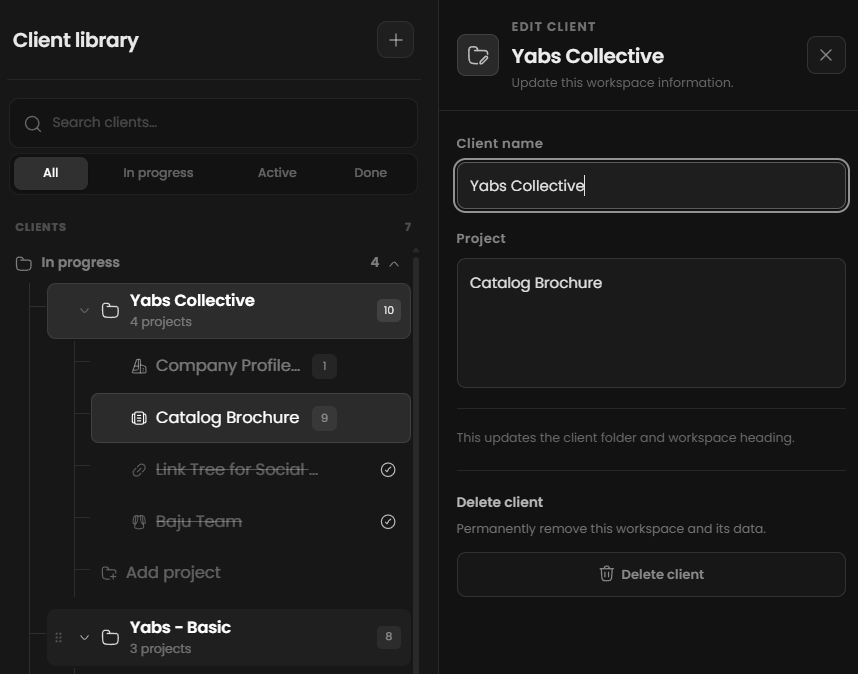
“Client operations become lighter when planning can be seen, shaped, and improved before the work begins.”
Impact
An AI-integrated client operations workspace that connects visual journey mapping, tasks, briefs, proposals, invoices, schedules, and project health.
- Connected client operating workspace
- 1
- Workflow and business modules
- 8+
- Review-first planning assistance
- AI